Workplace wellness, without the extra noise
Small movement breaks that fit your workday.
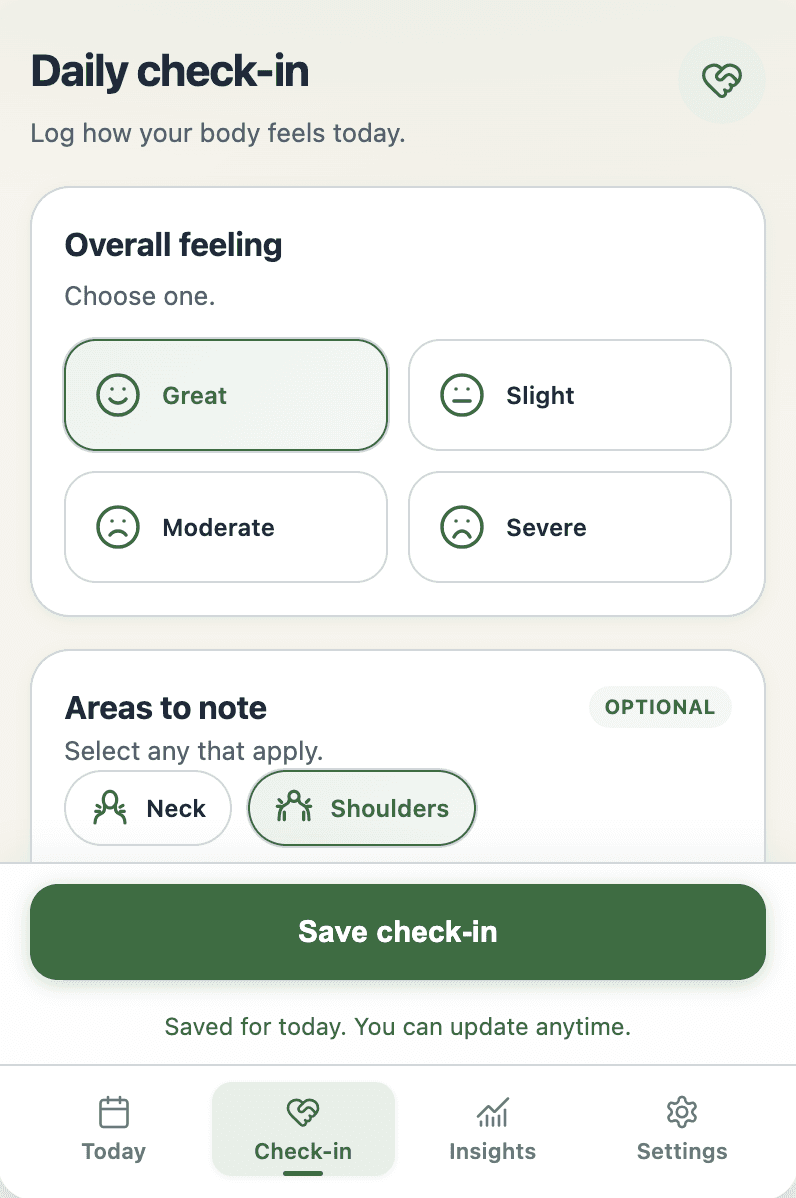
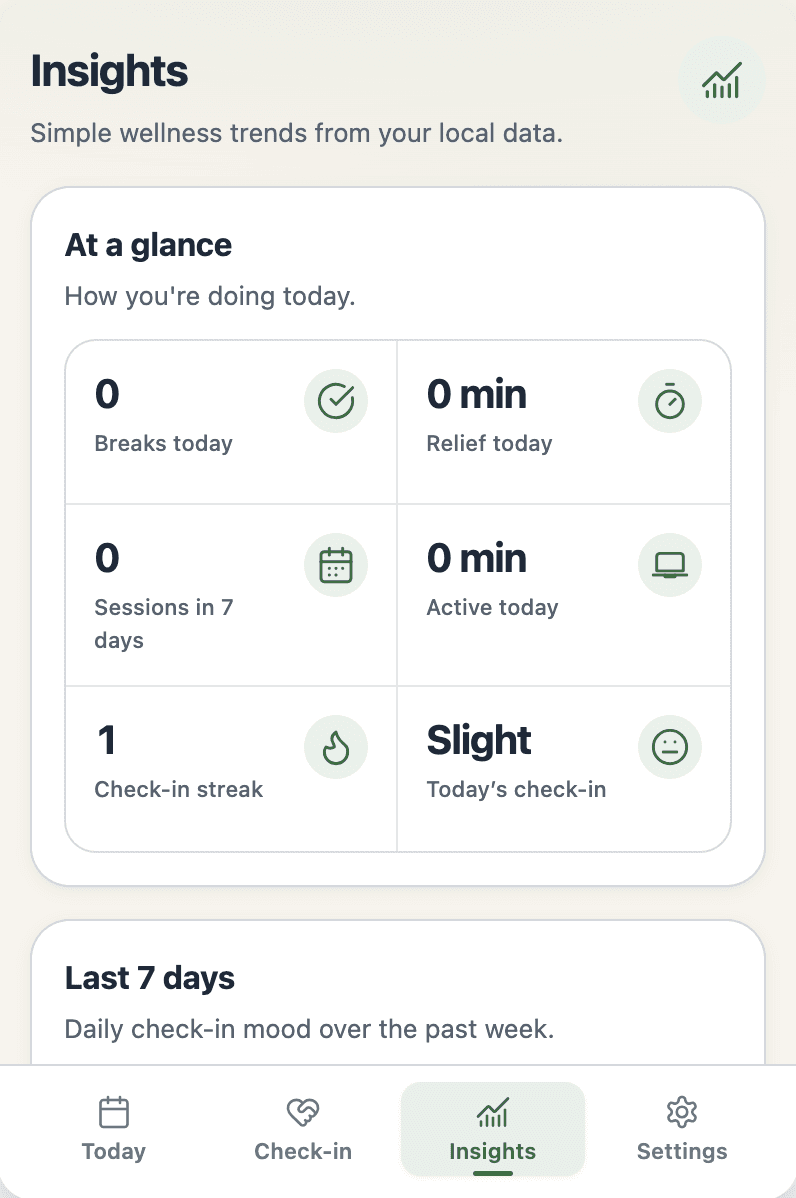
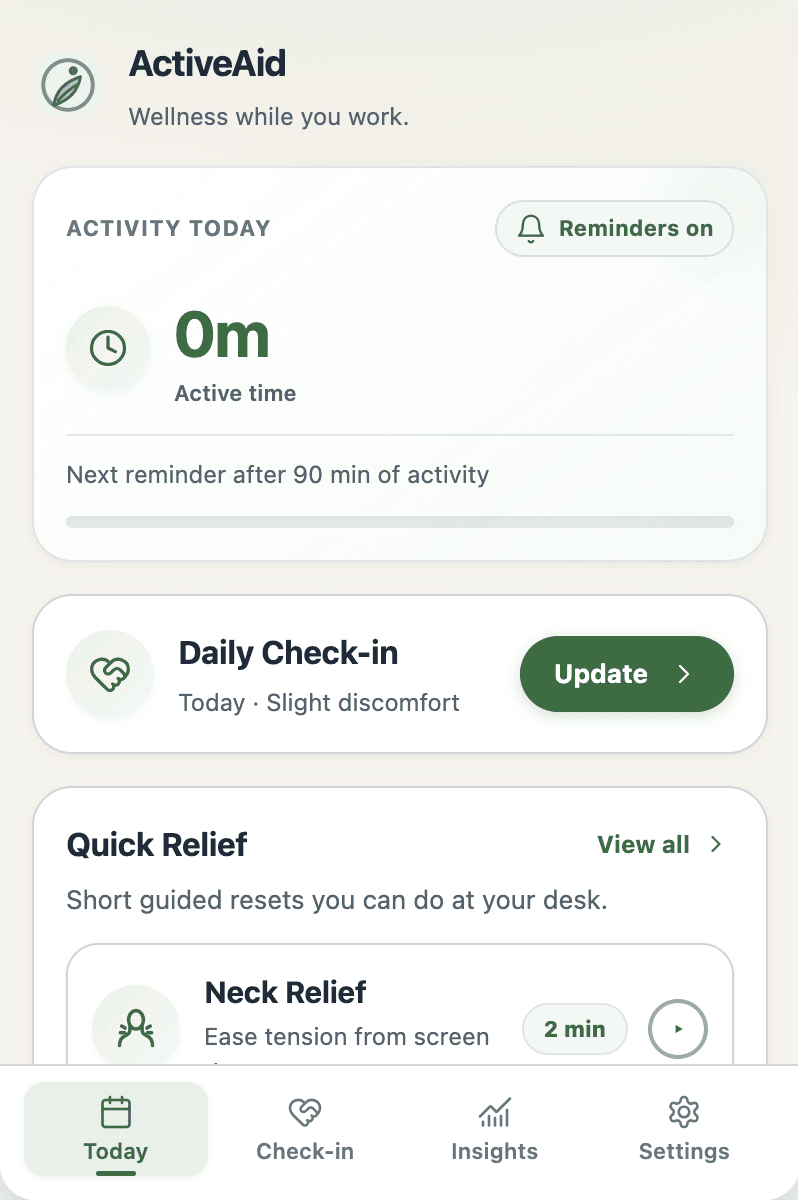
Gentle reminders, short guided relief sessions, daily check-ins, and simple local insights. No account required.
Secure install from the Chrome Web Store
How it fits into your day
A small reset, right when it helps
ActiveAid stays quiet while you work, then gives you a clear next step.
Why ActiveAid
Support that stays in the background until you need it.
No feed to maintain. No dashboard to keep open. Just a gentle prompt and a useful next step.
Designed for real workdays
Useful support, with you in control
The core experience stays simple, private, and easy to adjust as your workday changes.
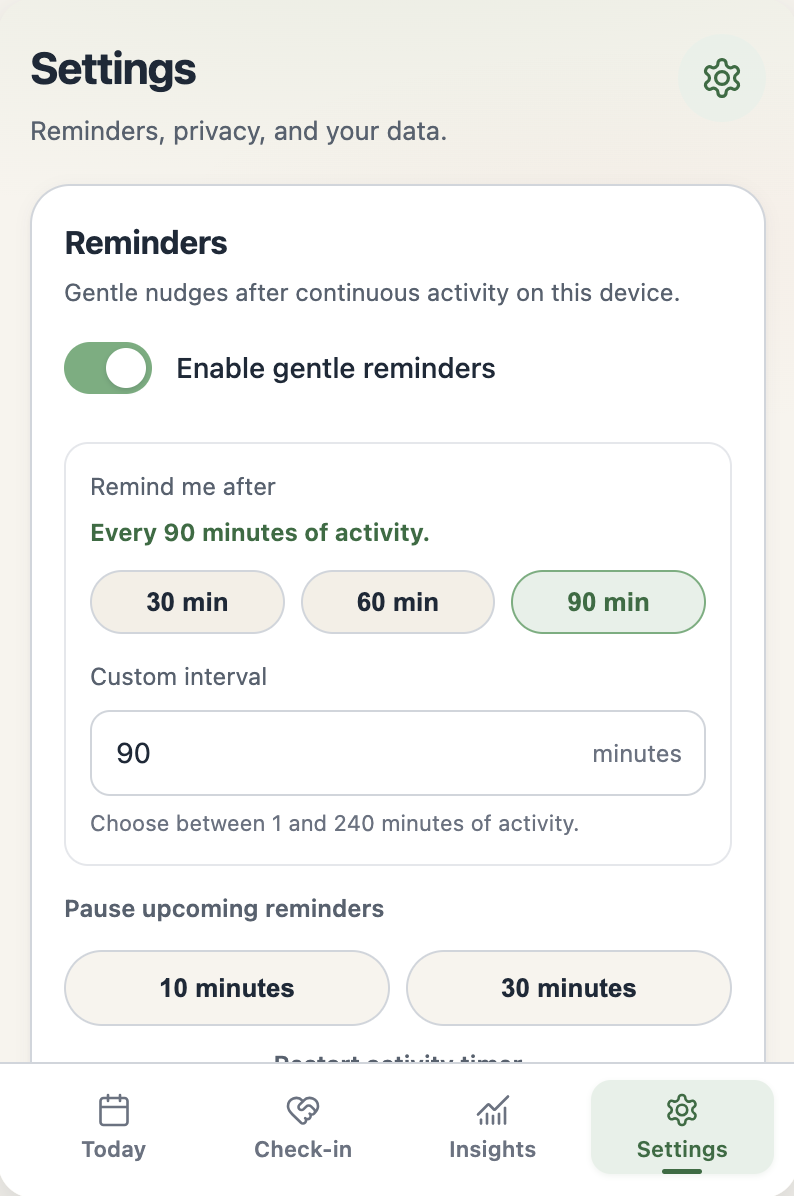
Your timing, your choice
Choose your reminder interval, snooze a nudge, pause reminders, or restart the timer whenever you need to.
Useful without an account
Reminders, relief sessions, check-ins, and local insights all work without signing in.
Private by default
Wellness data stays in your browser unless you sign in and separately enable optional cloud backup.
Privacy, in plain language
Useful without seeing what you do.
ActiveAid uses activity timing to schedule reminders. The content of your work is outside its scope.
Read the full privacy policy →Local by default
Reminder settings, check-ins, relief history, and simple insights stay in extension storage on this device.
Your content is not recorded
ActiveAid detects that activity happened. It does not record typed text, page content, URLs, screenshots, or camera data.
Backup requires a separate choice
Signing in alone does not upload wellness data. Cloud backup starts only after you explicitly enable it in Settings.
You keep control
Export or erase local data at any time. Activity timing never leaves your device, even when backup is enabled.
Questions, answered
Clear before you install
The important details about activity timing, accounts, backup, and privacy.
What activity does ActiveAid track?
ActiveAid detects that keyboard, mouse, scroll, or tab-focus activity occurred so it can estimate active time. It does not record typed text, page content, URLs, screenshots, or camera data.
Do I need an account?
No. Reminders, relief sessions, daily check-ins, and local insights work without an account.
When does cloud backup start?
Signing in does not turn backup on. Backup starts only after you separately enable it in Settings. Check-ins, completed sessions, and reminder settings can then sync, while activity timing stays on your device.
Why does ActiveAid need access to webpages?
A lightweight content script detects activity timing across the webpages where you work. ActiveAid does not read, store, or transmit page content.
What stage is ActiveAid at?
ActiveAid is a working product currently being prepared for a human-centred usability and feasibility study. Its clinical effectiveness has not yet been evaluated.
Is ActiveAid a medical tool?
No. ActiveAid supports workplace wellness habits. It is not a medical, diagnostic, or therapeutic tool. Stop any movement if it hurts and follow your own medical guidance.
Chrome extension
Ready when you are
Install ActiveAid from its verified Chrome Web Store listing.